How to Redeem Baddie Evolution Codes
Find the Codes box fast, paste correctly, and fix Invalid / Wait a bit errors.
Why redeem early
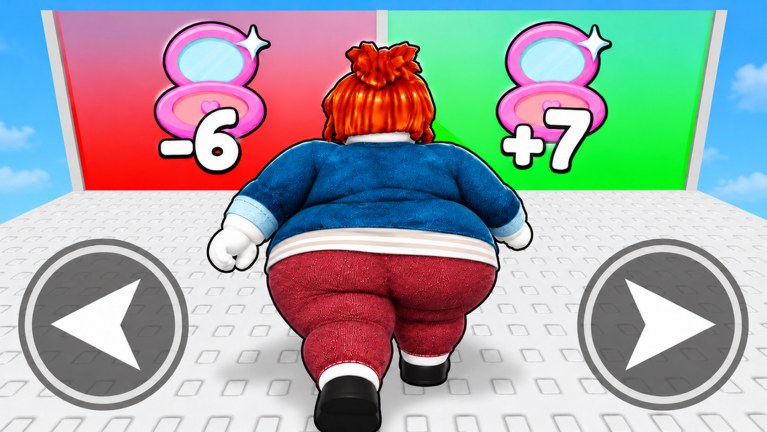
In +1 Baddie Evolution every Beauty click and treadmill tick compounds. Redeeming a multiplier before a training block is worth more than redeeming after you already spent Wins. Pair this page with the live list on the Codes Hub and the day-one loop in Getting Started.
Step-by-step redeem path
- Open Roblox and join +1 Baddie Evolution (place ID
121311242023938). - Wait until your avatar loads into the lobby and the main HUD buttons appear.
- Look for a Shop, Store, Codes, or Rewards button — on most +1 Evolution titles it sits on the left or right edge of the screen.
- Open that menu and scroll until you see an Enter Code / Redeem text field.
- Copy a code from the Codes Hub (never retype from memory).
- Paste into the field. Match capital letters exactly.
- Press Redeem, Claim, or Enter.
- Watch for a success toast listing Beauty boosts, Wins, or cosmetics.
- Close the shop and immediately start training or fighting so temporary buffs are not wasted.
Mobile vs PC differences
- PC: mouse hover highlights the Shop icon clearly; paste with Ctrl+V.
- Mobile / tablet: tap the same Shop icon, then long-press the field to Paste. Zoom the UI if the text box is tiny.
- Console: use the on-screen keyboard carefully — codes with mixed case are easy to mistype.
Server size is 14 players, so menus can feel busy during peak hours. If the Shop button fails to open, rejoin once.
Common errors and fixes
| Message / symptom | Likely cause | Fix |
|---|---|---|
| Invalid code | Typo, expired, or not live | Re-copy from Codes Hub; check Changelog |
| Already redeemed | Same account claimed it | Skip; each code is usually once per account |
| Wait a bit | UI throttle | Wait 5–10 seconds, try next code |
| Nothing happens | Tutorial lock or lag | Finish onboarding, wait for HUD, retry |
| Wrong game | Similar “Baddie” titles | Confirm the title bar says +1 Baddie Evolution |
Do not confuse this experience with Baddies, Spin a Baddie, or Craft a Baddie — those use different code lists.
What rewards look like after redeem
Successful claims usually show:
- A floating text popup with the reward name
- An inventory or boosts panel update
- Temporary multipliers visible near your Beauty counter
Spend Wins toward the next Evolution listed in the Evolutions Tier List instead of hoarding low-value cosmetics early.
Best timing for temporary boosts
- Redeem Beauty / Wins multipliers.
- Equip your strongest Evolution.
- Sit on the highest treadmill you can use (Training Tier List).
- Run fight stages for Wins (How to Farm Wins).
- Evolve as soon as the Win gate opens (How to Evolve).
Safety notes
- Never enter codes on third-party websites that ask for your Roblox password.
- This wiki never asks for account credentials.
- Scripts that auto-redeem can violate Roblox rules — read the Scripts Hub before experimenting.
After you redeem
Return to the Codes Hub when a new update lands, follow Beauty Training for efficient grinding, and check the Players Hub if you are chasing leaderboard ranks during boost windows.
Related links
- Codes Hub — live and expired tables
- Getting Started — full beginner route
- Updates Hub — when codes usually appear
- Wiki overview — game facts and platforms
Habit stack
Make redeeming the first action after joining — before fights, before cosmetics browsing. Boost windows are too valuable to waste on loading screens. Then jump straight into Beauty Training or a Wins block.
Frequently Asked Questions
Quick answers about Beauty, Wins, Evolutions, and codes.
Where is the Codes button in +1 Baddie Evolution?
Open the Shop, Store, Codes, or Rewards menu on the side of the HUD, then scroll to the Enter Code field.
Are codes case-sensitive?
Treat them as case-sensitive. Copy-paste from the Codes Hub instead of typing by hand.
Can I redeem the same code twice?
Usually no — each Roblox account redeems a given code once.
Do I need to join a group first?
Some Roblox games require a group join. If redeem fails with no typo, join the Giga Mega Chads group and retry.