Baddie Evolution Guides
Deep walkthroughs for Beauty, treadmills, fights, Evolutions, ice lobby, and rebirths.
Start here
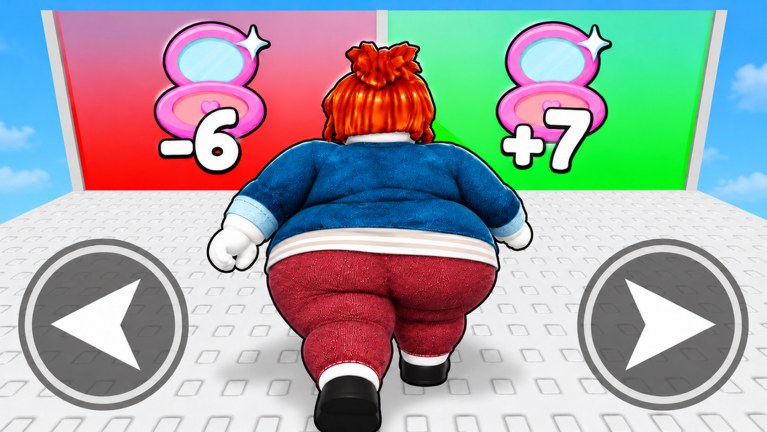
+1 Baddie Evolution is a Roblox incremental simulator from Giga Mega Chads. You click to gain Beauty, train on treadmills, fight other Baddies for Wins, unlock Evolutions, push into new areas (including the ice lobby once gated), and rebirth at MAX for the next layer. This hub links every long-form guide on the wiki so you never stall on the wrong resource.
If you are brand new, open Getting Started first — it includes a real gameplay video and the day-one order of operations.
Guide map
| Guide | Solves | Best for |
|---|---|---|
| Getting Started | How to play from zero | New accounts |
| How to Evolve | Spending Wins on forms | Power spikes |
| How to Farm Wins | Fight routes and clear tips | Evolution gates |
| Beauty Training | Clicks + treadmill efficiency | AFK and mid-game |
| Areas & Unlocks | Portals, ice lobby, pad relocates | Map progression |
| Controls & Tips | PC / mobile / console habits | Session quality |
| Rebirths & Passes | MAX rebirths + Robux pass order | Late curve / spenders |
Core loop (memorize this)
Click Beauty → Train on treadmill → Fight for Wins → Evolve → Unlock area → Rebirth at MAX → RepeatEvery advanced tip on this wiki is just a sharper version of that loop. Tier lists tell you what to buy; guides tell you how to execute. Paid SUPERSTAR / ICE treadmill passes only matter after you already understand free pads and the ice lobby gate.
Beginner path (first session)
- Join the experience and finish the short tutorial prompts.
- Click Beauty until a treadmill interaction appears.
- Sit, then peek at the fight / challenge UI for Wins.
- Open Evolve as soon as you can afford the next form.
- Check the Codes Hub for free multipliers.
- Skim the Evolutions Tier List so you do not waste Wins.
Intermediate path
- Optimize pad choice with the Training Tier List.
- Batch fights during boost windows.
- Relocate AFK spots when a new area unlocks — especially once the ice lobby / ice world opens.
- Read Controls & Tips if HUD or platform friction is slowing you down.
- Track patches on the Updates Hub so you are not surprised by balance changes.
Advanced / competitive path
- Study Players Hub habits for leaderboard pacing.
- Time rebirths at MAX and evaluate Auto / VIP / treadmill passes via Rebirths & Passes.
- Decide whether risky automation belongs in your plan via the Scripts Hub.
- Keep a mental log of Beauty/min before and after each Evolution and rebirth.
How these guides are written
We research the live Roblox page (universe 10771797050, place 121311242023938), store pass text, community videos, and comparable +1 Evolution design patterns. We do not invent YouTube IDs — embeds on Getting Started, Areas, Farm Wins, and Changelog are real uploads tagged for this game.
Related hubs
- Codes Hub — free rewards
- Tier List Hub — spend priority
- Scripts Hub — automation landscape
- Wiki overview — facts and platforms
Pick one guide, finish it, then cross-link to the next. Chaining pages beats tab-hopping random tips.
Frequently Asked Questions
Quick answers about Beauty, Wins, Evolutions, and codes.
Which guide should I read first?
Start with Getting Started, then How to Evolve.
Do guides work on mobile?
Yes. The loop is the same; only Shop and Evolve button positions shift slightly on touch UI.
Are these official guides?
No. This is an unofficial fan wiki. Confirm patch text in-game or on the Roblox page.
Where is the Wins farming guide?
See How to Farm Wins.